Digi-pack

With my Digi-pack I wanted to create something that was different, but had a few direct links with the music video itself, I believe that my product is very professional and looks as if it would actually be seen in such distributors as HMV and be available on Itunes or streaming sites such as Spotify.
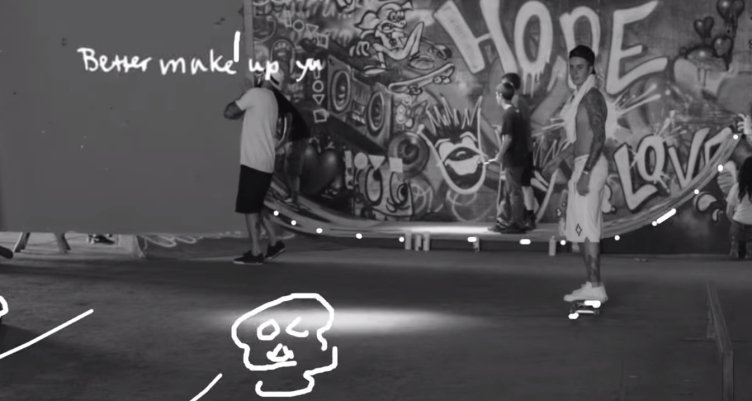
Some of the direct links from music video to digi-pack consist of the white outlines, this is a stylistic feature that is now becoming popular in main stream music and can be seen in such videos as Lily Allen's - "Sheezus" and Justin Bieber's - "What Do You Mean Lyric Video" as seen below. I did this by simply drawing on the outlines using the paint tool and the mouse.


Another link is the 80's inspired VHS / Distortion effect. I did this so it links with the distorted style of editing at the very end of my promo video as well as some slight distortion throughout the rest of the video. To achieve this look I added a distortion filter called "Noise" and then extended lines of pixels either up or down with varying thickness. Over the top of those stretched out pixels i added a secondary filter called shear, this allows you to bend the pixels as a group creating a wave like visual, such as those you would find on an old television, Finally I added an effect called "Wind", once again I used the single line tool and selected multiple lines, the used the box selection tool, on subtract, to create gaps between them, then proceeded to add wind to the chosen pixels. This ends up creating a static like effect, once again something you would find on an old T.V.
I actually learnt how to do all of this using a YouTube video, as seen below.
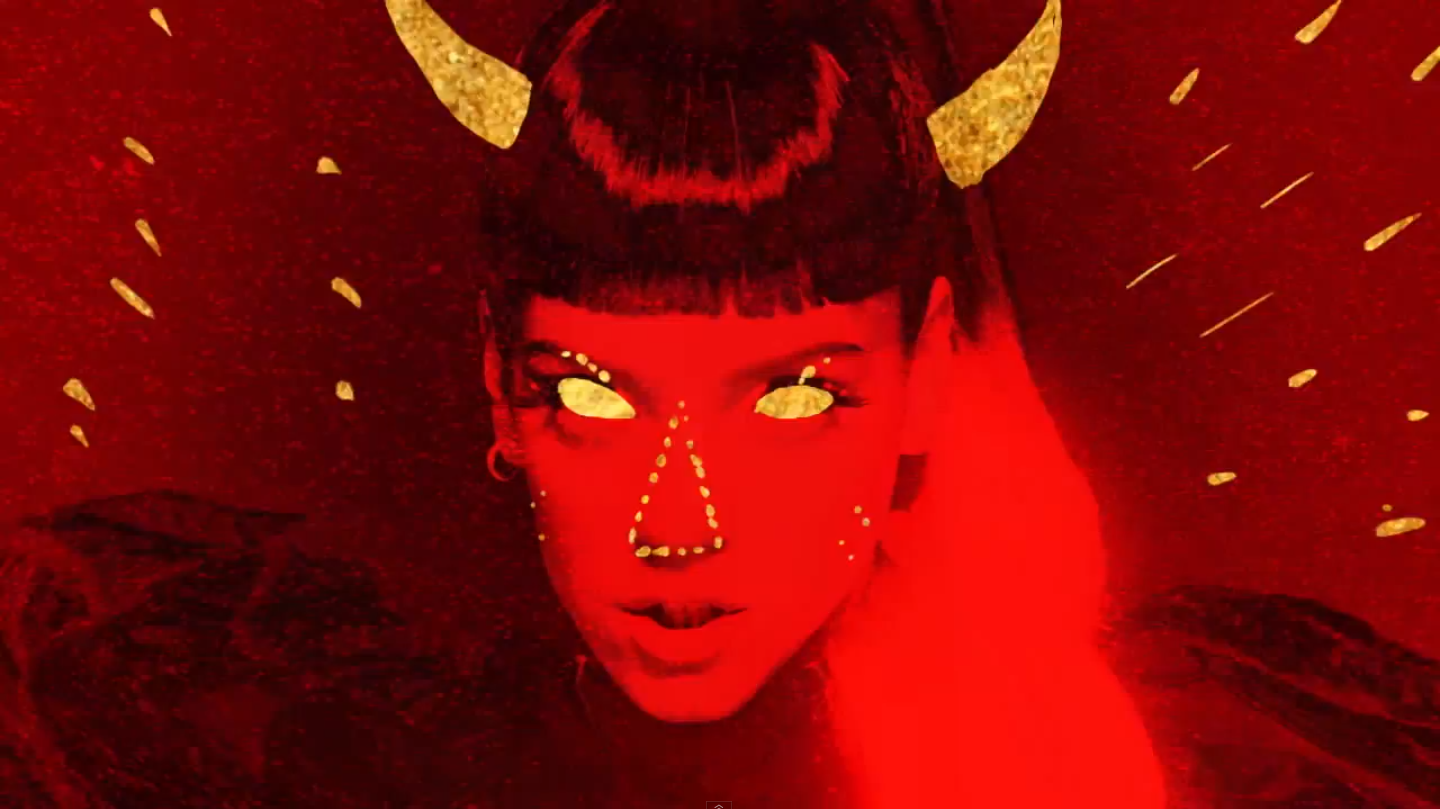
Finally the use of logos between the video, Digi-pack and advert have a direct correlation as they are used to identify the artist. as you can see we the triangular illusion which I merely downloaded from the internet, traced, using the straight line tool, and filling in with a photo of some flowers that I took and added a filter over them so they gave a different effect to the overall product, and design. As well as the drawing of my artist. To do this I took the original photo, a simply drew in all her features on a new layer meaning her face, hair, attire etc.
see original and drawing below.

Comments
Post a Comment